




Book Now : 1-844-360-1553
Belize Reservations Office
Phone: +501-226-4297
Phone: 1-844-360-1553
WhatsApp: +501-670-4811
E-mail: [email protected]


Close
Belize Immigration Form 2026: How to Complete It Online

Oct 16, 2026
Traveling to Belize? Before your trip, you'll need to complete the Belize immigration form online. Belize uses a digital immigration and customs declaration system that allows travelers to submit their information before arriving in the country, eliminating the need for traditional paper forms.
The form is free to complete and provides a QR code to present during immigration processing. Here’s where to find the official form, how to complete it, and what you need to know before traveling.
Where to Find the Official Belize Immigration Form
The official Belize immigration form is available through the Government of Belize’s digital immigration and customs declaration portal.
Complete the Official Belize Immigration Form Here
The form is free. Travelers should use the official government website rather than third-party services that may charge unnecessary processing fees.
The digital form is also known as the Belize E-Embarkation/Disembarkation Form (E/D Form) and is used to collect travel and customs information for arrivals and departures.
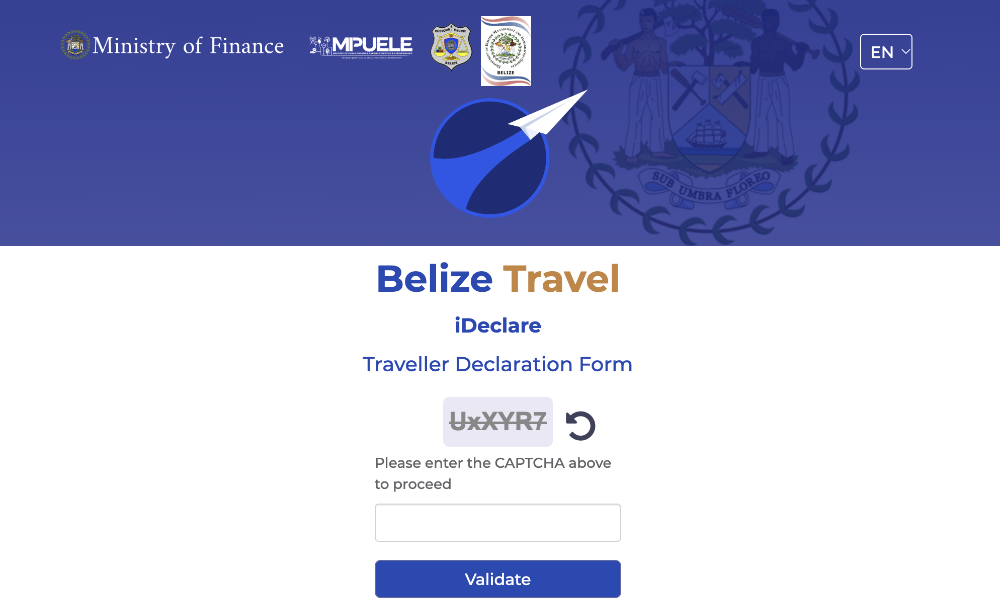
What Is the Belize Digital Immigration Form?
Introduced in December 2024, Belize’s digital immigration form replaced traditional paper immigration and customs declarations with an online system. It collects passport details, flight information, accommodation details, and customs declarations, helping streamline the arrival process at Philip Goldson International Airport (BZE).
The form does not replace your passport or any visa requirements applicable to your nationality. For more information about the documents you’ll need, read our Belize Entry Requirements Guide.
What Information Do You Need to Complete the Form?
Before starting, have your passport, flight itinerary, and Belize accommodation details ready. You’ll typically need:
- Passport details: Full name, passport number, nationality, and date of birth.
- Flight information: Airline, flight number, and arrival or departure date.
- Accommodation details: Name and location of your hotel, resort, or vacation rental.
- Travel information: Country of residence, purpose of visit, and other requested information.
- Customs information: Details about any goods or items you are required to declare.
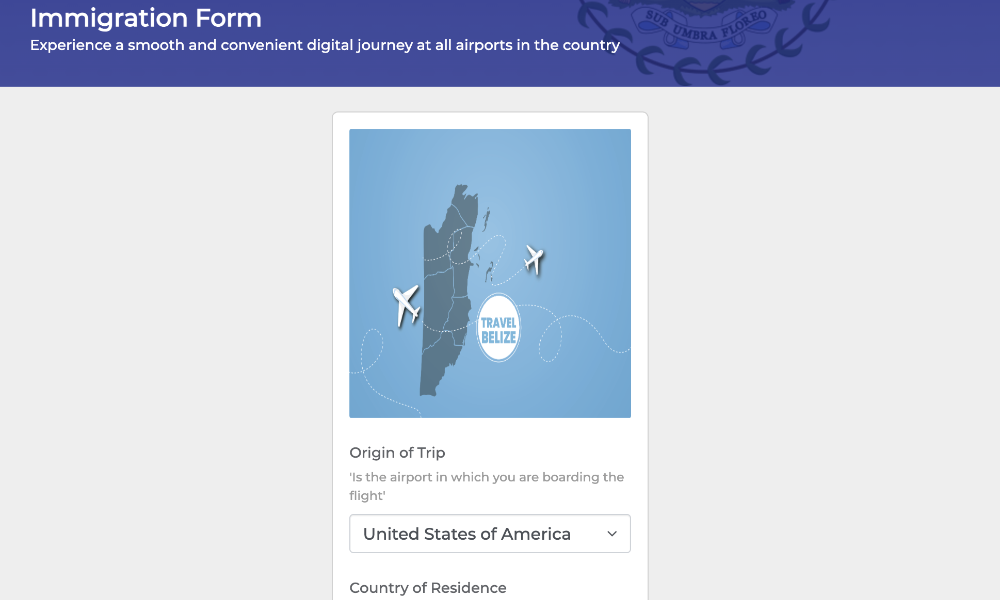
If you’re staying on Ambergris Caye, enter your resort or vacation rental information as requested, even though your international flight will arrive at BZE on the mainland.
How to Complete the Belize Immigration Form Online
The Belize immigration form can be completed on a phone, tablet, or computer. Follow these three steps to submit your information before traveling.
Step 1: Visit the Official Belize Immigration Website
Go to the Government of Belize Digital Declaration Portal and select the appropriate arrival or departure form.
Step 2: Enter Your Travel Information
Follow the instructions to enter your passport details, flight information, and accommodation in Belize. Complete the applicable customs declaration, then review your information carefully before submitting.
Step 3: Submit the Form and Save Your QR Code
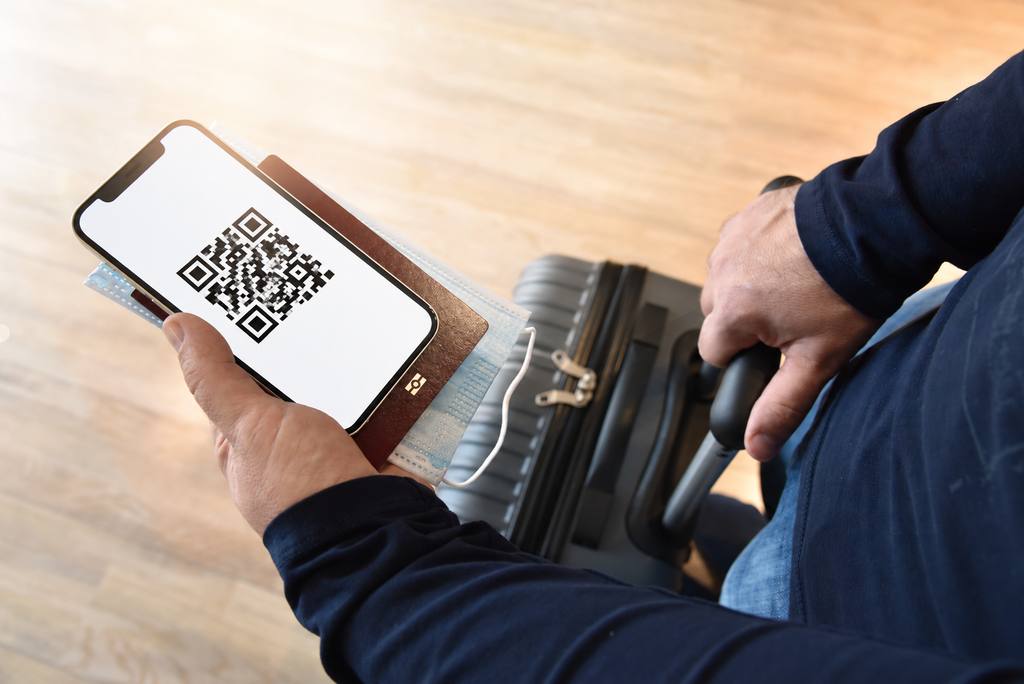
Once submitted, save your confirmation and QR code so you can present them when requested during immigration processing.
Travel tip: Take a screenshot of your QR code and save it directly to your phone’s photo gallery. This allows you to access it even without mobile data or airport Wi-Fi.
When Should You Complete the Belize Immigration Form?
It’s best to complete the form before departing for Belize, once your flight and accommodation information are confirmed. This gives you time to review your details and save your QR code before traveling.
If the official website specifies a particular submission window, follow those instructions.
What Happens to Your QR Code When You Arrive in Belize?
After landing at Philip Goldson International Airport (BZE), you’ll proceed through immigration. Have your passport and digital form confirmation ready, as an immigration officer may ask to scan your QR code.
After immigration, you’ll collect your checked luggage and continue through customs. Completing the digital form beforehand helps streamline the process but does not replace the usual immigration and customs procedures.
For more information about arriving in Belize, including baggage claim and domestic flight connections to San Pedro, see our Philip Goldson International Airport Guide.
Do You Need to Complete the Belize Immigration Form When Leaving?
Yes. Belize’s digital immigration system is used for both arrivals and departures, so travelers should also complete the appropriate departure declaration before leaving the country.
Access the departure form through the same official government portal and follow the instructions for entering your outbound travel information. Save your confirmation as directed.
If you’re staying on Ambergris Caye, remember that your domestic flight from San Pedro to Belize City is separate from your international departure from BZE.
Belize Immigration Form FAQs
Is the Belize immigration form mandatory?
Belize uses a digital immigration and customs declaration system for international arrivals and departures. Travelers should complete the applicable form according to the current instructions issued by Belize Immigration.
Is the Belize immigration form free?
Yes. The official Belize immigration form is free and available at ideclare.gov.bz. You do not need to pay a third-party service to complete it.
Can I complete the Belize immigration form on my phone?
Yes. The form can be completed using a smartphone, tablet, or computer with internet access. Save your QR code to your phone so it is easily accessible while traveling.
Do children need to complete the Belize immigration form?
Children traveling to Belize also need the appropriate immigration documentation. Parents or guardians should follow the portal’s instructions for submitting information for minors and check whether separate declarations are required.
Complete Your Belize Immigration Form Before Traveling
Completing your Belize immigration form online is a simple way to prepare for your vacation. Remember to use the official government website, save your QR code, and complete the departure declaration before traveling home. With your documents ready, you can focus on enjoying everything Belize has to offer.